Showcase Blocks & Images
This article illustrates various block-level and image styling options.
Image Styles
Here are different ways to style images using the custom CSS classes.
Custom Image Style
This image applies a custom border, shadow, and rounded corners.

Image Thumbnail
A common style for small, clickable images.
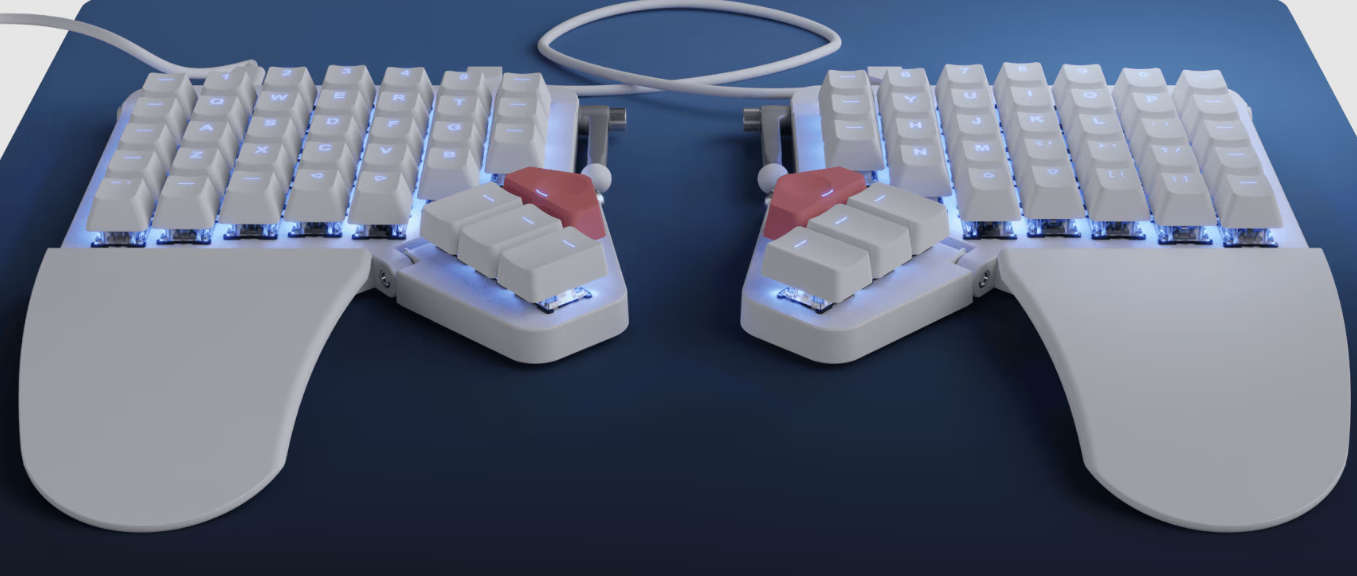
Circular Image
Makes any square image perfectly circular.

Floating Images
Images that float alongside text.
 This text wraps around the image that is floated to the left. It's useful for placing small illustrations within a paragraph without breaking the flow of the text too much. The image will push the text around it, making for a more dynamic layout.
This text wraps around the image that is floated to the right. This can also be used effectively for diagrams or icons that complement the text content. The text will automatically adjust to the available space.
Info and Alert Boxes
These blocks are great for highlighting important information, warnings, tips, or general notes.
Table Styling
Demonstrating enhanced table readability with various classes.
Basic Styled Table
| Header A | Header B | Header C |
|---|---|---|
| Data 1 | Data 2 | Data 3 |
| Data 4 | Data 5 | Data 6 |
| Task ID | Assigned To | Due Date |
|---|---|---|
| #001 | Alice | 2026-02-10 |
| #002 | Bob | 2026-02-15 |
| #003 | Charlie | 2026-02-20 |